User Management v2.0
Introduction
User Management is an ASP.Net based Web Application basically designed to manage users and their respective roles and permissions over a website. It can be easily integrated with other projects. For .NET developers it’s easy to create any web application using this system
This web application is developed on .NET Framework 4.5 using ASP.Net, C#, JavaScript, jQuery, JSON, Bootstrap, HTML, CSS and SQL Server 2012
It is a fully responsive, mobile-ready web application that looks amazing on any device and browser.
Key Features
- Fully responsive and user friendly
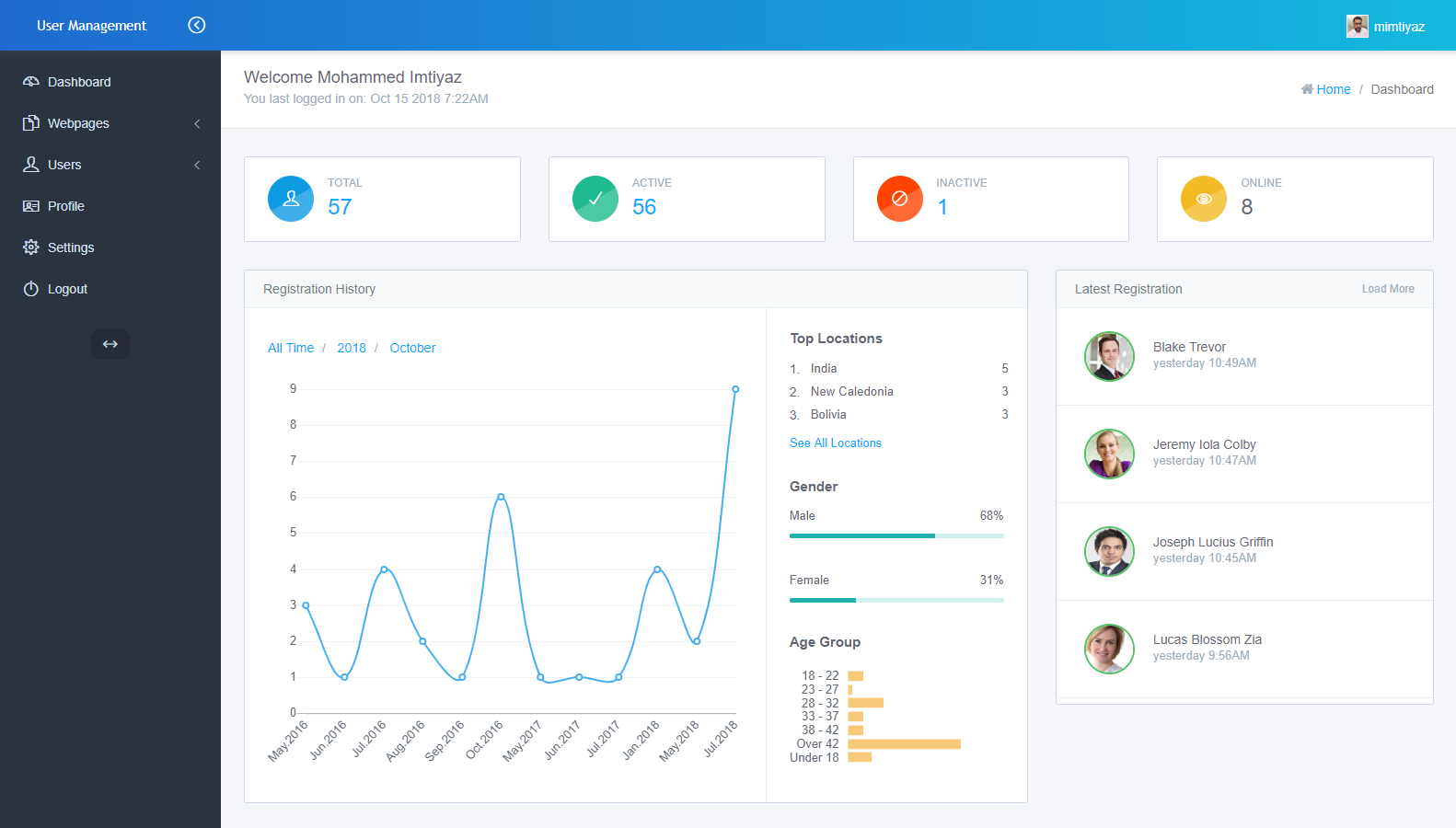
- Interactive Dashboard
- Simple to use and implement
- Improved security features
- Secured user login
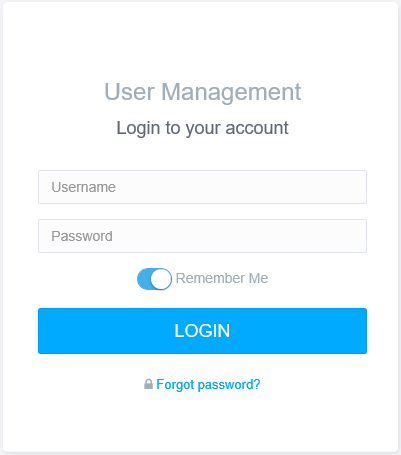
- Remember me feature on login
- Hide / Show Remember me and Forgot password feature on login
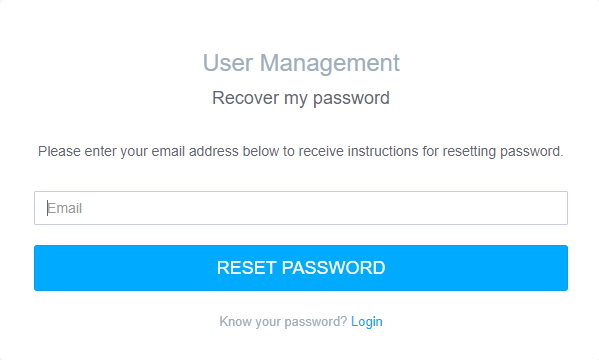
- Recover password
- Authentication Throttling (lock user account after certain incorrect login attempts)
- Autocomplete user search
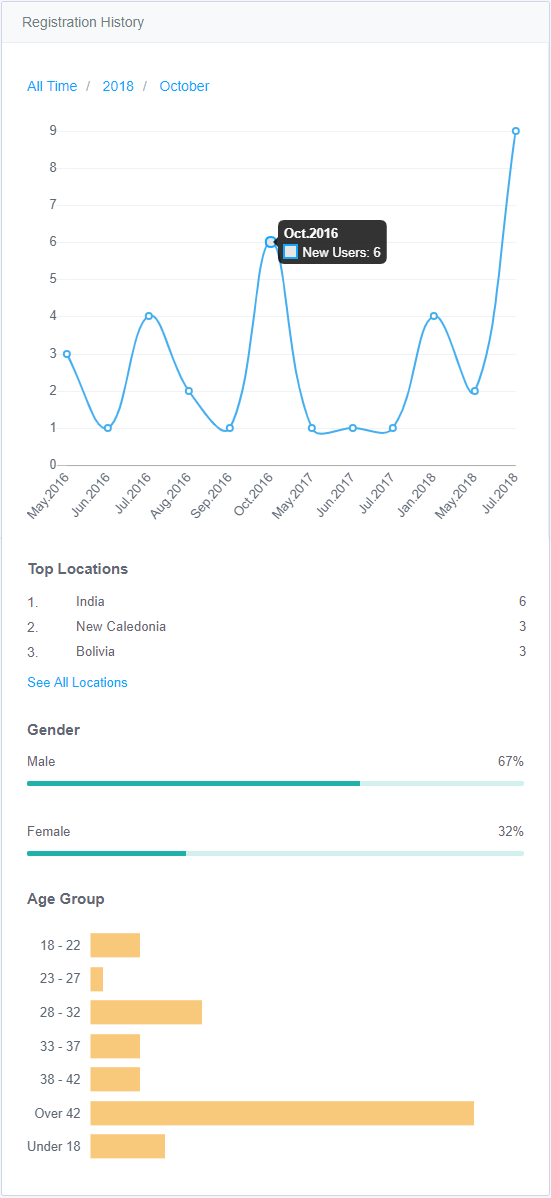
- Users sorted by age group
- Graphical representation show the registered users sort by current month, current year
- Encrypted URL to avoid unwanted users from accessing others users information
- View timestamps when users login
- Full client-side validation (using JavaScript)
- Full server-side validation (using ASP.Net C#)
- Fully responsive to mobile browsers
- Latest HTML5 features
- Designed using Bootstrap
- Fully optimized code
Admin
- Can perform any operation (has all permissions)
- Access dashboard
- Graphical representation displaying user statistics
- View activities of users
- Create new users
- Edit user details
- Delete users
- Upload user photo
- View all users
- Search users
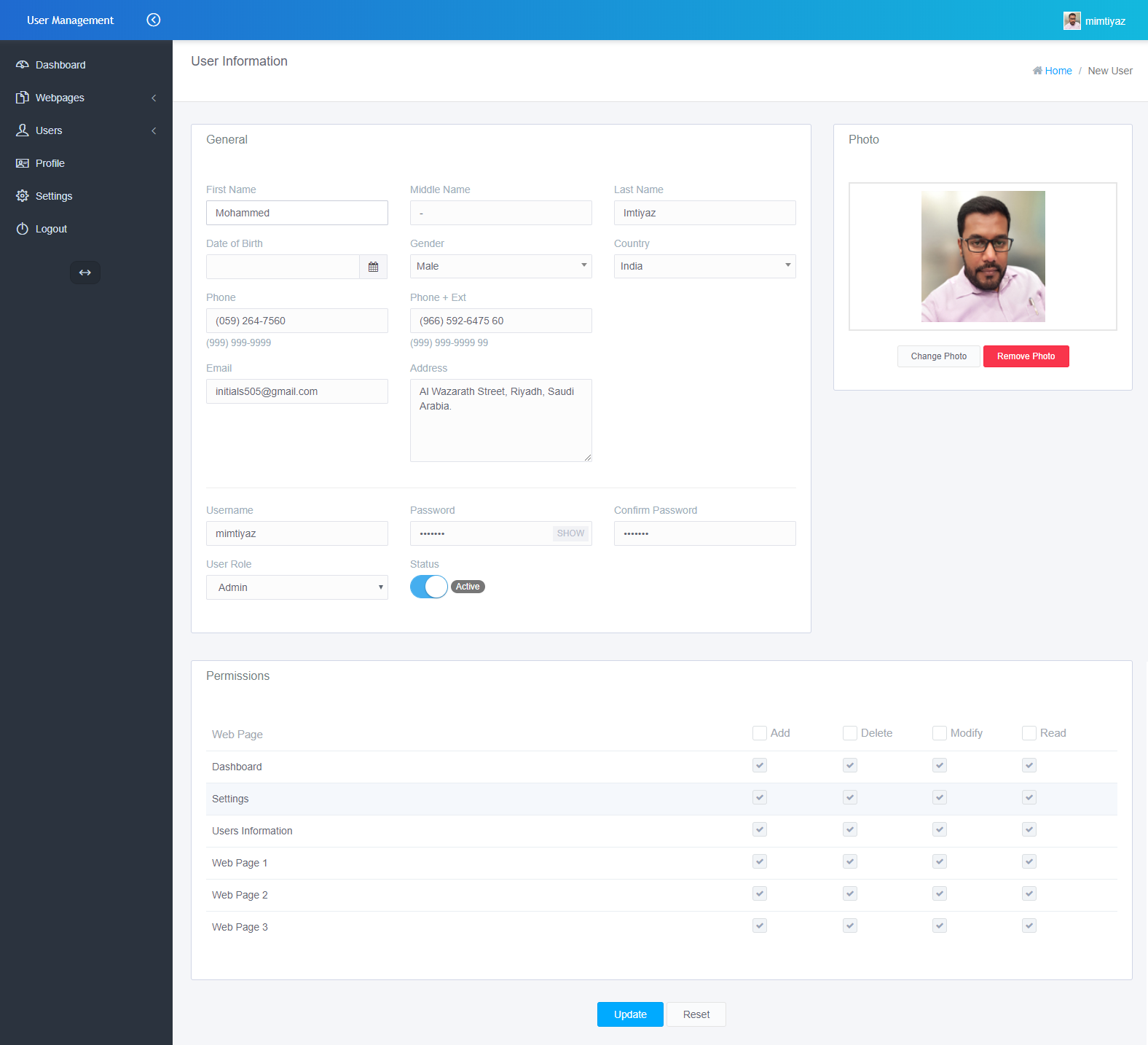
- Setting up permissions for the users over selected web pages
- Suspend /Resume users
User
- Users have access over the web pages within the web application based on the permission / privileges assigned to them
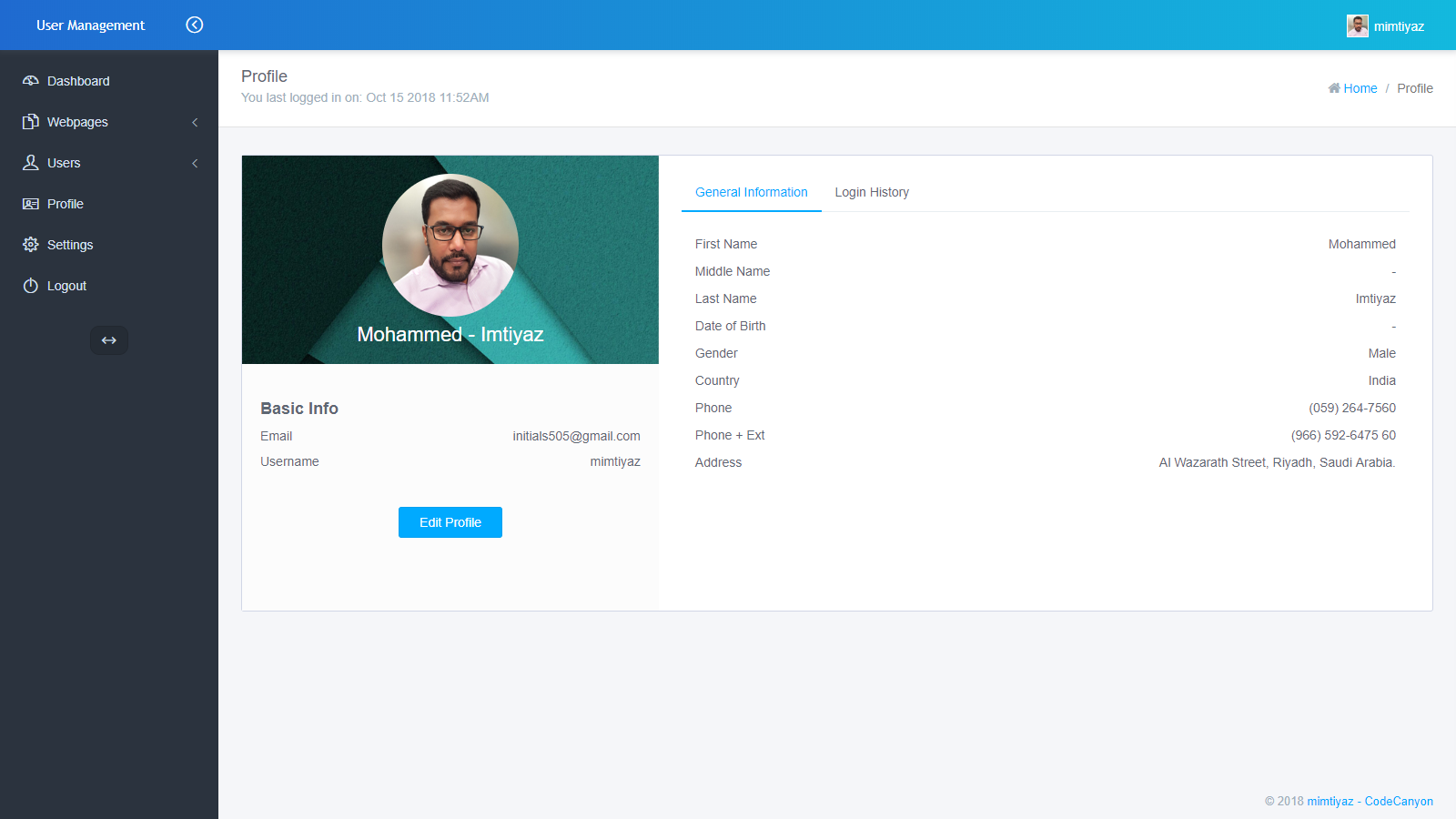
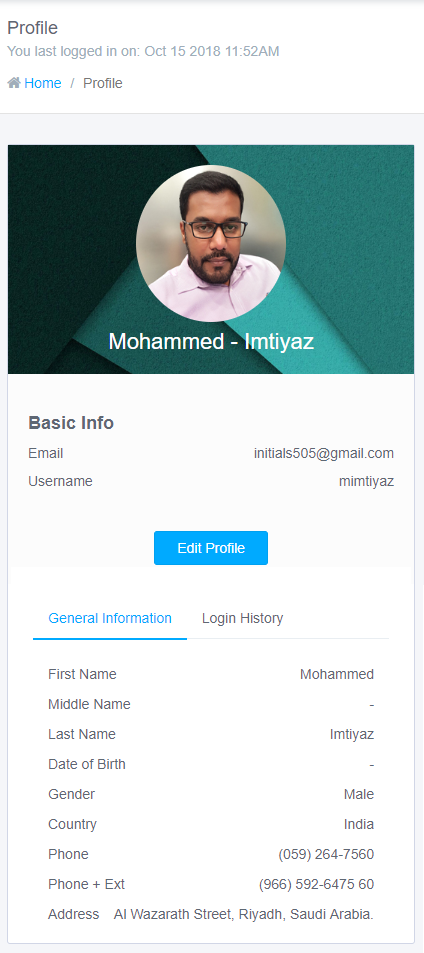
- View their own profile
- Modify personal information
- Modify / Remove photo
- Modify password
System Requirements
In order to install this application, your server must meet the following requirements:
- .NET Framework 4.5 or above
- SQL Server 2012 or above
Installation
Steps
- Download the file which you have purchased.
- Extract the Zip file which you have downloaded. You will find these folders in it.
- Database
- Source Code
- Help File
- In Database folder, open SQL Database Script file "um_v2.0_db_schema_and_data.sql" in SQL Query Analyzer and execute it. The database will be created.
- To run the application, open "um_cc_v2.0.sln" file available in Source Code folder.
Credentials
- Admin
- Username: admin
- Password: pwd123
- User
- Username: user
- Password: pwd@123
Screenshots
Desktop View
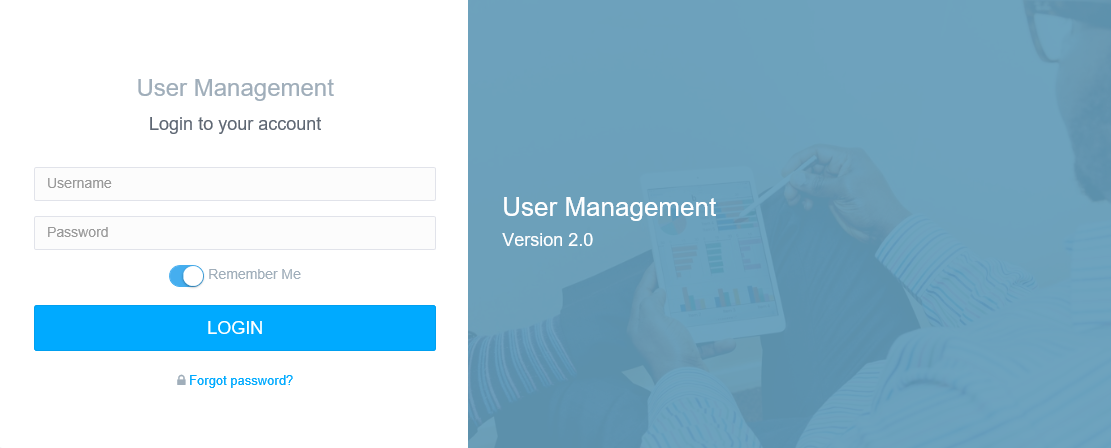
Preview 1
Login here.
Preview 2
User may recover the password by providing the registered email address. User credentials will be send to the respective email address.
Preview 3
Interactive Admin Dashboard
Preview 4
Brief user profile
Preview 5
Detailed user profile
Preview 6
Add new user
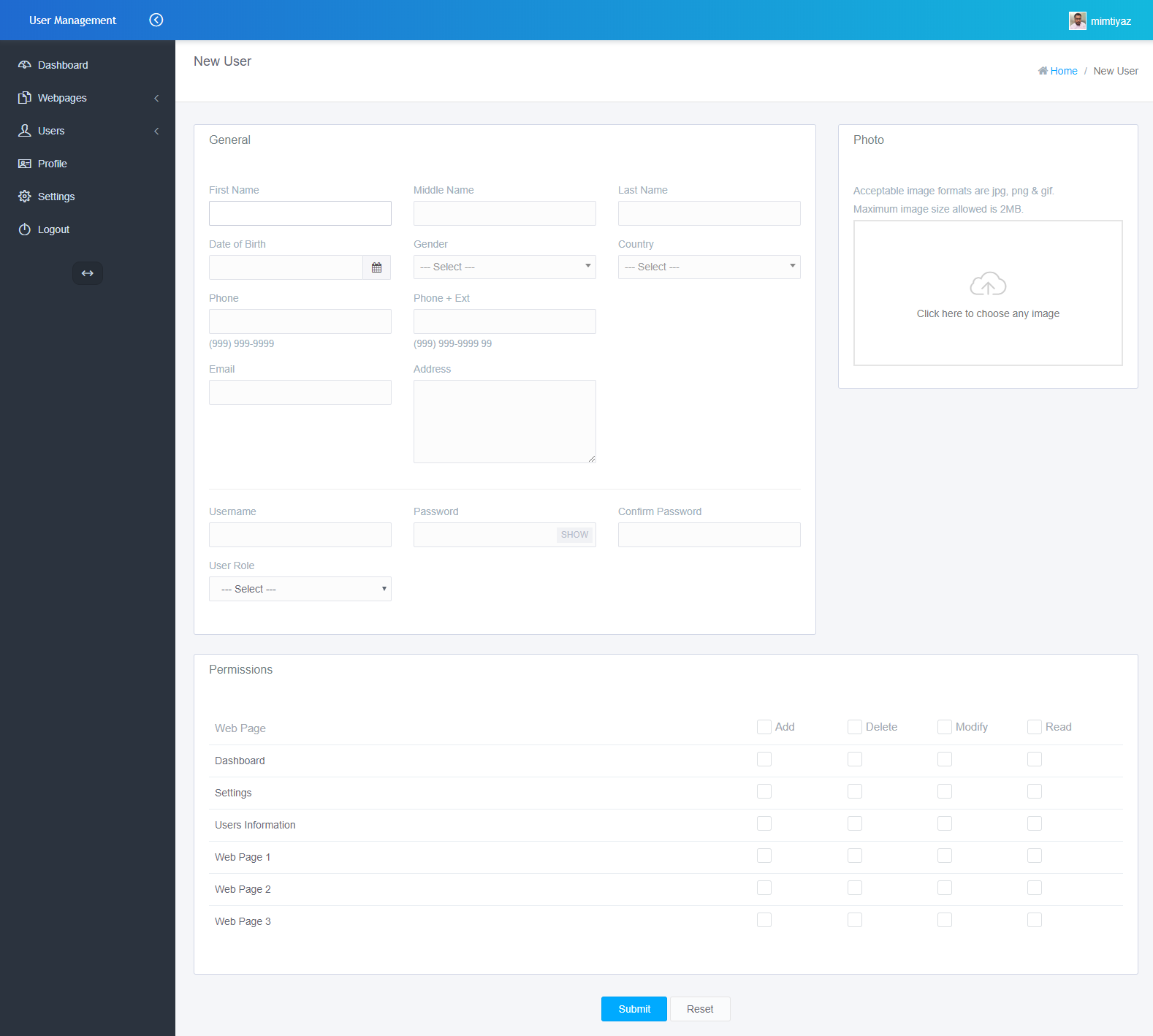
Preview 7
List of users
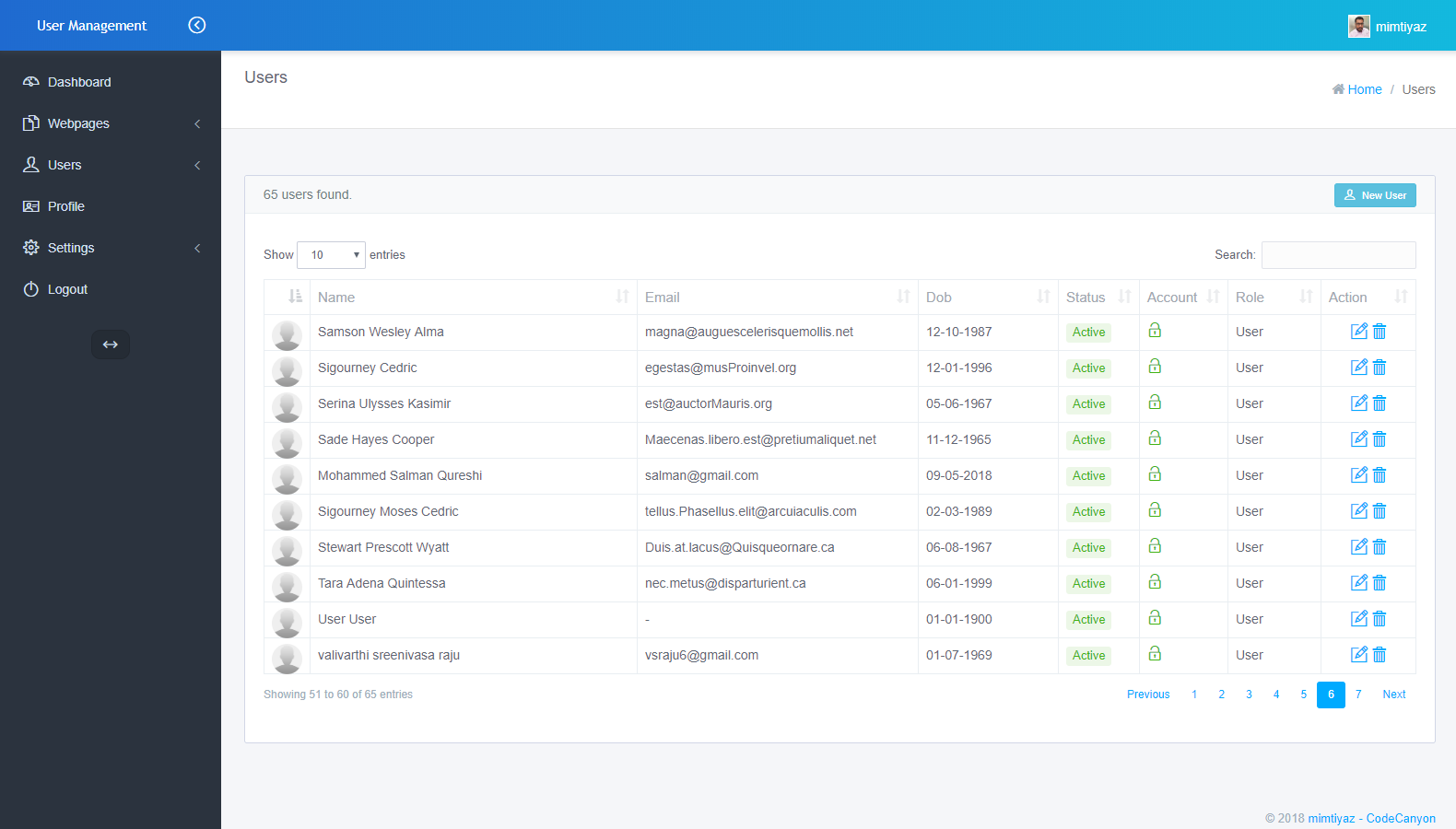
Preview 8
Admin can change the Authentication Throttling settings here.
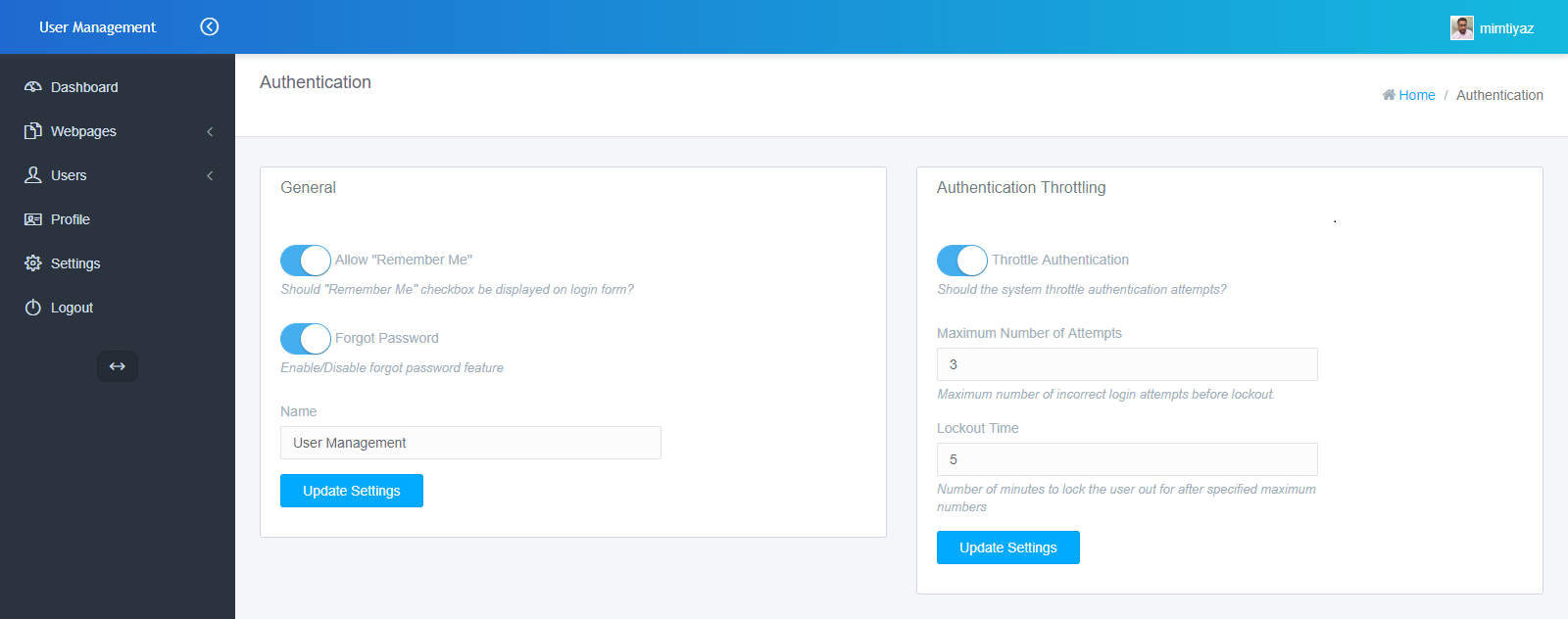
Preview 9
Configure the Email SMTP settings here.
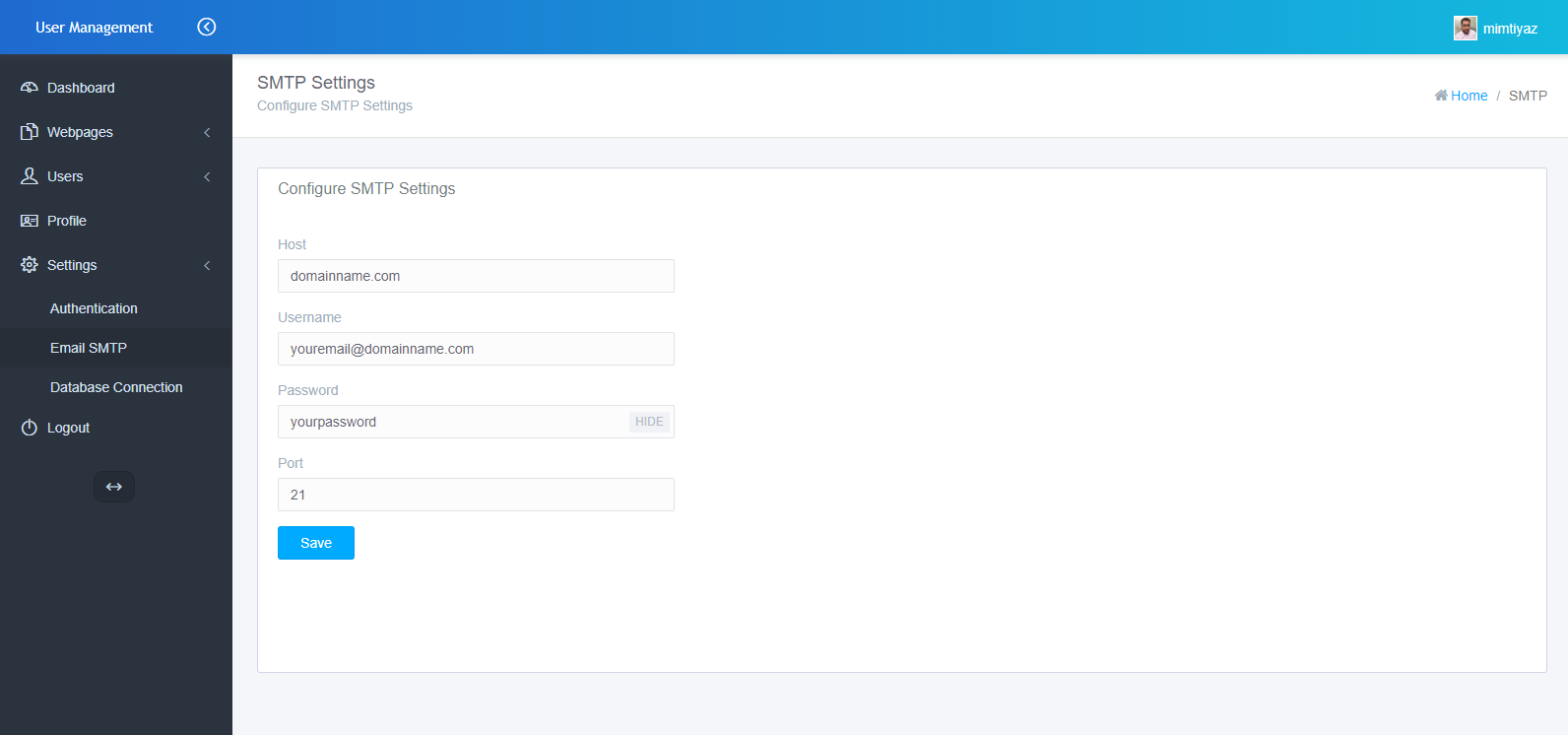
Responsive View
Preview 10
Preview 12
Preview 11
Credits
History
30.Oct.2018 | Version 2.0
- Mobile friendly responsive design
- Interactive and user friendly dashboard
- Display registration history of users on dashboard sorted by current month and current year
- Integrated Authentication Throttling (lock user account after certain incorrect login attempts) feature
- Configure Email SMTP (Simple Mail Transfer Protocol)
- Autocomplete search user
- Updated Documentation
- Code is optimized
01.Nov.2016 | Version 1.3
- Minor bugs fixed
07.Jul.2016 | Version 1.1
- Code is optimized
09.Jun.2016 | Version 1.0
- First Release